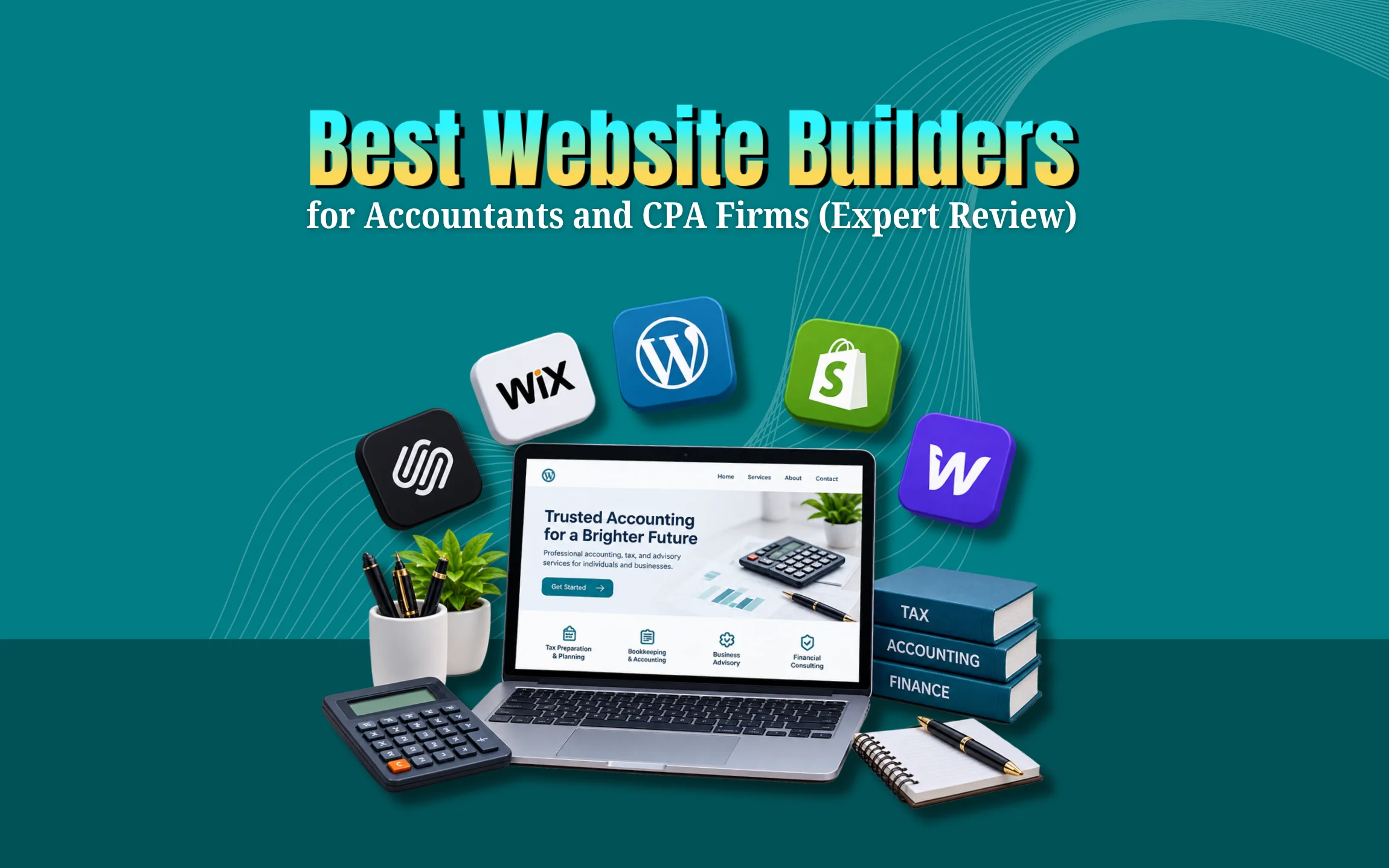
Looking for the best website builders for accountants can feel confusing with so many options online. The truth is, you don’t need to be a tech expert to build a professional site. In this guide, you will find the top website builders for accounting firms along with clear tips on what actually matters for your business.
A good website builder saves you time and money while helping new clients find you online. Whether you run a small tax practice or a full CPA firm, this guide breaks down everything you need. By the end, you will know exactly which platform fits your firm best and how to get started today.
Why Accountants and CPA Firms Need a Professional Website
A website is often the first impression a potential client gets of your firm. If it looks outdated or loads slowly, people will leave and call a competitor instead. Clients today search online before they trust anyone with their finances. A clean, modern site builds instant credibility. It also works around the clock, answering questions and collecting leads even after office hours. For accountants and CPA firms, this means more inquiries without extra effort.
What Makes a Website Builder Good for Accounting Firms
Not every website builder fits every industry. Accountants need specific features to look trustworthy and professional online. Here is what to check before you choose one.
- Easy to use: You should be able to update pages without hiring a developer every time.
- Mobile-friendly: Most clients will visit your site from their phone first.
- Secure and reliable: Client data and forms need proper protection and uptime.
- SEO tools built in: Local search visibility helps people in your area find you.
- Professional templates: Accounting is a serious field so the design should match that tone.
- Booking and contact forms: Clients should be able to reach you in a few clicks.
Top Website Builders for Accountants and CPA Firms
Squarespace
Squarespace is known for clean, modern designs that look polished right out of the box. It offers strong templates built for professional services, which suits accounting firms well. Editing is simple and drag-and-drop friendly. It also includes basic SEO tools and mobile-responsive layouts by default.
Why it is best for:
- Firms that want a polished professional look without hiring a designer
- Accountants who prefer simple editing with fewer technical steps
- Practices that need good-looking templates made for service businesses
Wix
Wix gives you more design freedom with hundreds of templates and an easy editor. It works well for small accounting practices that want a custom look without coding. Wix also has an app market so you can add booking tools, live chat and forms easily. The downside is that too much customization can slow down your site if not managed properly.
Why it is best for:
- Small firms that want full control over layout and design
- Practices that need extra tools like live chat, forms or booking apps
- Owners who want to test different designs before settling on one
WordPress
WordPress is the most flexible option among the best website builders for accountants and CPA firms. It powers a huge share of websites worldwide and supports endless plugins for SEO, security, and client portals. It does have a slightly steeper learning curve than Wix or Squarespace. Many firms choose WordPress when they plan to grow content and blog regularly for search rankings.
Why it is best for:
- Firms planning long-term SEO growth through regular blog content
- Practices that need advanced plugins for security or client portals
- Larger CPA firms that expect their website needs to grow over time
GoDaddy Website Builder
GoDaddy offers a quick and budget-friendly way to launch a simple accounting website. It is a good pick if you need something live within a day and don’t require advanced customization. The templates are basic but functional and it includes hosting and domain in one package.
Why it is best for:
- New firms that need a website live within a day or two
- Solo accountants on a tight budget who want everything in one place
- Anyone who wants hosting and a domain bundled together
Weebly
Weebly is beginner-friendly with simple drag-and-drop tools. It suits solo practitioners or small CPA firms that want a basic online presence without much complexity. It has fewer design options compared to Wix or Squarespace but gets the job done for simple sites.
Why it is best for:
- Solo practitioners who just need a simple online presence
- Firms that want the easiest possible setup with no learning curve
- Small practices that don’t need advanced design or marketing features
Comparison Table of Best Website Builders for Accountants
Choosing the right website builder can help accountants create a professional online presence. It can also make it easier to attract new clients and manage their website.
|
Website Builder |
Best For | Ease of Use | SEO Tools | Starting Price |
| Squarespace | Professional, polished look | Easy | Good |
Around $16/month |
|
Wix |
Custom design freedom | Easy | Good | Around $17/month |
| WordPress | Growth and content marketing | Moderate | Excellent with plugins |
Around $10/month plus hosting |
|
GoDaddy |
Fast, simple setup | Very easy | Basic | Around $10/month |
| Weebly | Solo practitioners, simple sites | Very easy | Basic |
Around $10/month |
Prices can change over time, so check each provider’s site for current rates before deciding.
Must-Have Features for Any Accounting Firm Website
Beyond picking a platform, you also need the right elements on your pages. These features turn visitors into actual clients.
Clear Service List: Show your main services, such as tax preparation, bookkeeping, and audit support. Make it easy for visitors to see how you can help.
Client Testimonials: Add reviews from happy clients. They help build trust and show potential clients that others have had a good experience with your firm.
Secure Client Portal: If you use a client portal for sharing documents, add an easy-to-find link so clients can access it quickly.
Visible Contact Information: Keep your phone number, email, or contact button easy to find on every page. Don’t hide it inside a menu.
Helpful Blog: Create blog posts that answer common accounting and tax questions. This can also help your website appear in search results over time.
SEO Tips to Help Accountants Rank Higher Online
Getting a website built is only half the job. Getting people to find it matters just as much. Local SEO should be your first focus since most accounting clients search for firms near them. Claim and complete your Google Business Profile with accurate hours and services. Add your city name naturally in page titles and headings. Publish helpful blog posts around tax season topics people actually search for. Get listed in local directories and ask happy clients for online reviews since these signals help rankings directly.
Common Mistakes Accountants Make With Their Websites
Many firms lose potential clients simply because of small avoidable errors. Watch out for these issues when building or updating your site.
Slow loading pages: People leave within seconds if a site takes too long to load, and slow speed can also hurt your search ranking over time, so it pays to test your site speed regularly.
No mobile version: A large share of visitors browse on phones and tablets, so a site that only looks good on desktop can push away a big part of your potential clients before they even read your services.
Missing calls to action: Every page should guide visitors toward booking a call or filling a form, since without a clear next step, many visitors will simply leave without ever reaching out.
Outdated information: Old service lists, wrong phone numbers, or last year’s tax deadlines create distrust immediately, and clients often assume a firm with an outdated site is not paying attention to detail.
No local keywords: Skipping city or region names in content hurts local search visibility, which means your firm may not show up when nearby clients search for accounting help in their area.
How GrewDev Helps Accountants Build High-Converting Websites
Choosing among the best website builders for accountants is just the starting point. What really matters is how the site is designed and optimized for your specific goals. GrewDev works with service-based businesses to build fast, secure, and search-friendly websites that turn visitors into paying clients. From web design services tailored to professional firms to ongoing SEO support, the team handles the technical side so you can focus on your clients. If you want a free review of your current site, GrewDev offers a free website audit to show exactly what needs improvement.
Conclusion
Choosing the right platform from the best website builders for accountants can shape how your firm grows online. Squarespace and Wix work well for quick, professional-looking sites, while WordPress suits firms planning long-term content and SEO growth. The right choice depends on your budget, comfort with technology, and future goals for your practice.
Your website is often the first handshake with a new client, so it deserves careful thought. Take time to compare features, check pricing, and pick a builder that matches your firm’s needs today and tomorrow. If you want expert help building or improving your accounting website, reach out to GrewDev for a free consultation and see how a well-built site can bring in more clients this year.
Frequently Asked Questions
What is the best website builder for a small accounting firm?
Squarespace and Wix are both great choices for small firms since they are easy to use and come with professional templates already built in.
Do accountants really need a website in 2026?
Yes, most clients search online before choosing a firm, so a website builds trust and brings in new leads even outside office hours.
Is WordPress harder to use than Wix or Squarespace?
WordPress has a slightly steeper learning curve but offers more flexibility, which is useful for firms that plan to grow content and rankings over time.
How much does a website cost for a CPA firm?
Basic website builders start around 10 to 17 dollars per month, though custom-designed sites through an agency may cost more depending on features needed.
Can I switch website builders later without losing my content?
Yes, but moving content between platforms takes some manual work, so it is best to choose the right builder from the start to avoid extra effort later.