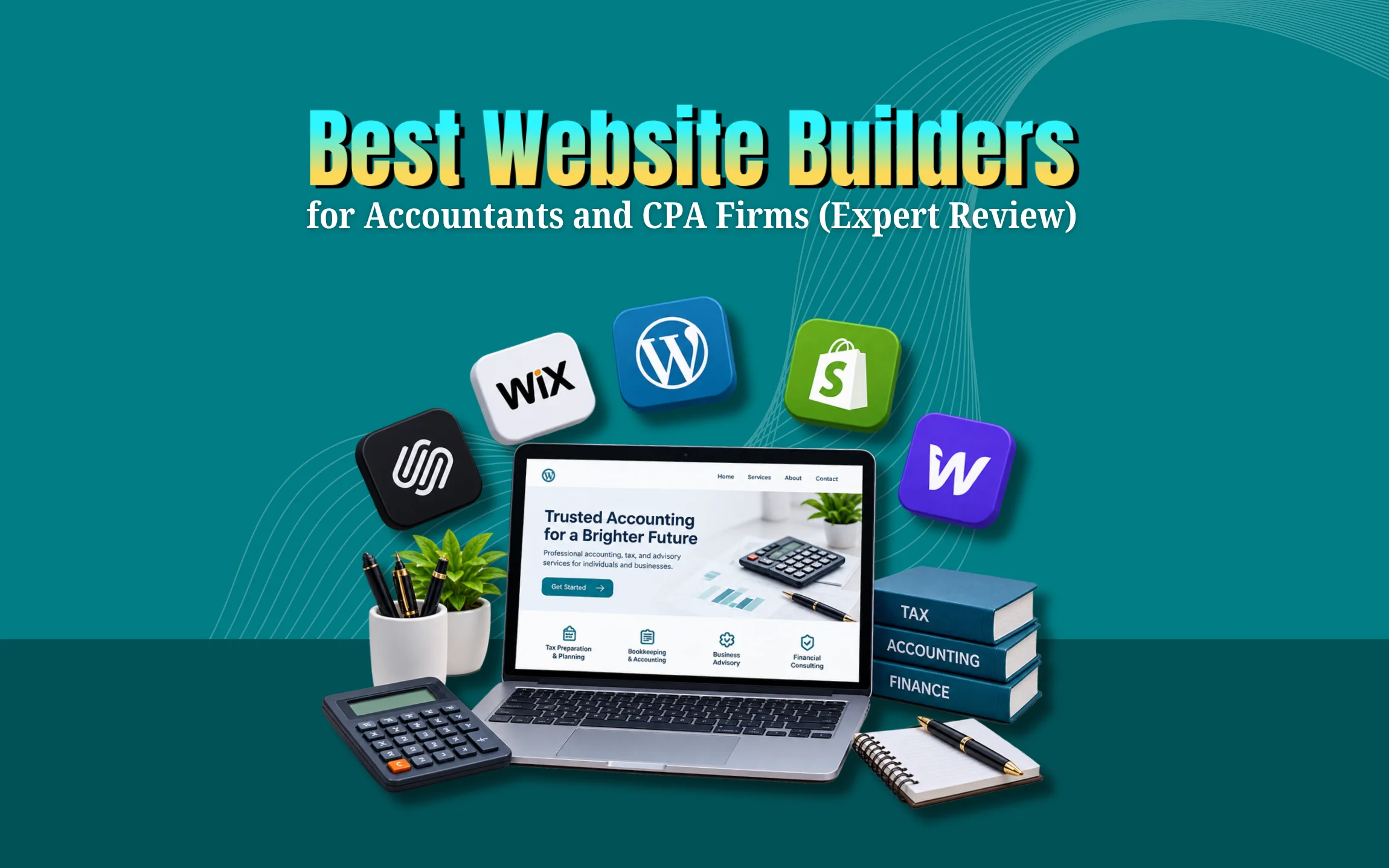
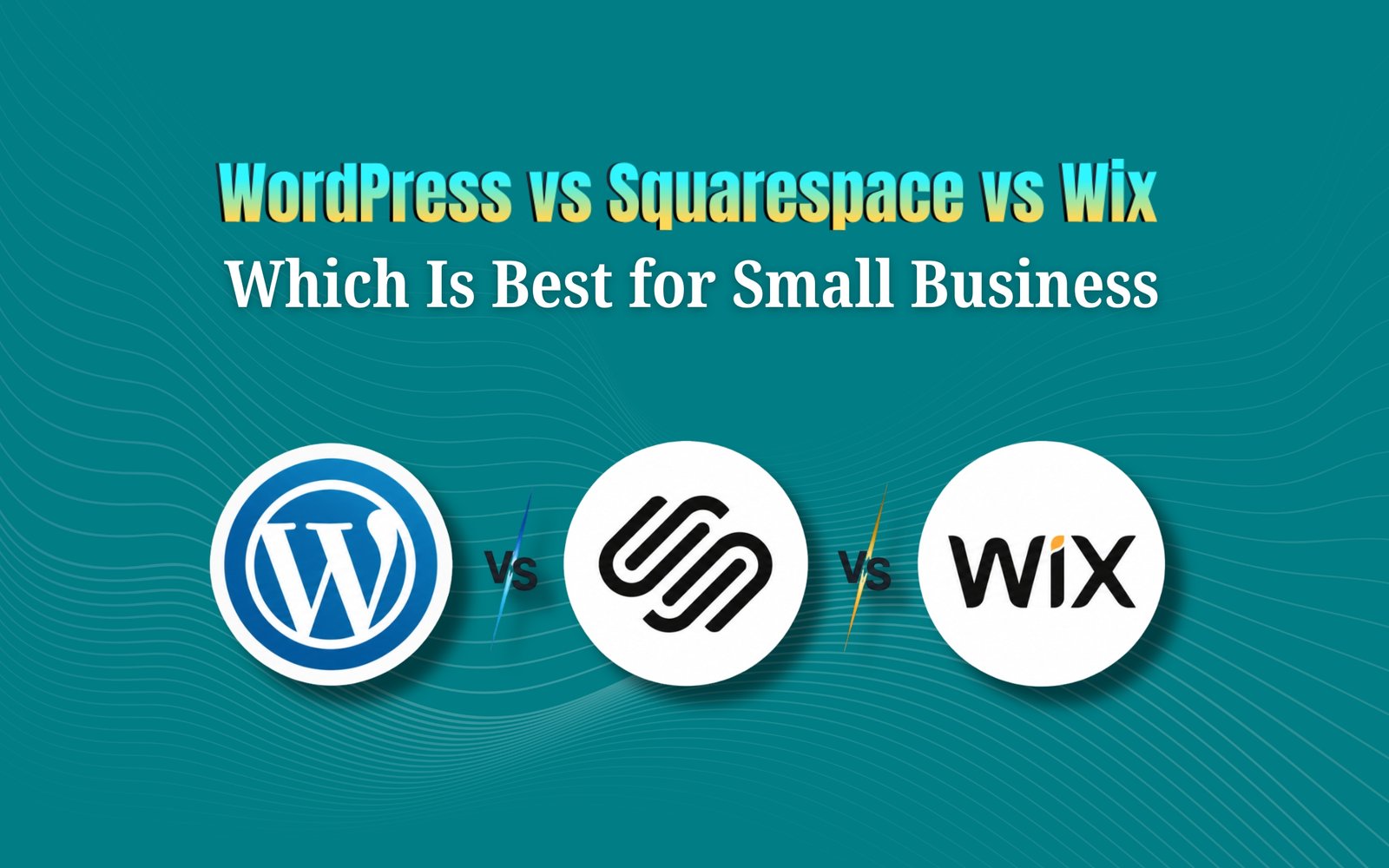
If you are comparing WordPress vs Squarespace vs Wix for small business, here is the short answer. WordPress is the best choice if you want full control, strong SEO, and room to grow. Squarespace is the best choice if you want a beautiful website with very little setup work. Wix is the best choice if you want speed, ease, and built-in tools without touching any code. The right pick depends on your budget, your tech comfort, and how big you plan to grow your business.
Now let’s slow down and break this down properly, because picking the wrong website builder can cost you months of wasted time and real money.
WordPress vs Squarespace vs Wix: Which Is Best for Small Business? Why This Decision Can Make a Big Difference?
Picture this. A small bakery owner spends two weeks building a website on a platform that looks nice but loads slowly. Customers leave before the page even opens. Sales drop. She switches platforms three months later and loses all her early SEO progress.
This happens more often than people realize. Your website is not just a digital business card anymore. It is your storefront, your sales rep, and your first impression, all rolled into one. Choosing between WordPress, Squarespace, and Wix is not a small detail. It shapes how fast you grow, how much you spend, and how easily customers find you on Google.
That is why so many business owners search for wordpress vs squarespace vs wix small business comparisons before they commit. They want clarity, not confusion. This guide gives you that clarity in plain and simple language.
What Small Business Owners Actually Need From a Website Builder?
Before comparing platforms, let’s understand what really matters for a small business website. Most owners need:
- A site that looks professional without hiring a full design team
- Easy ways to update content, prices, and photos
- Strong SEO so people can actually find the business on Google
- Tools for online stores, bookings, or contact forms
- A reasonable price that fits a tight budget
- Room to grow as the business expands
Keep these points in mind. They will help you understand why each platform fits certain businesses better than others. Think about it from a customer’s point of view too. When someone lands on your website for the first time, they decide within seconds whether to stay or leave. A confusing menu, a slow loading page, or a design that looks outdated can push potential customers straight to a competitor.
WordPress for Small Business: Strengths and Weaknesses
WordPress powers a huge share of websites across the world. It is open source, which means it is free to use, but you still need hosting and sometimes a developer for advanced work.
What WordPress Does Well?
WordPress gives you complete freedom. You can build almost anything, from a simple blog to a full online store with thousands of products. Thousands of plugins let you add features like booking systems, payment gateways, membership areas, and advanced SEO tools.
Speaking of SEO, this is where WordPress truly shines. Plugins like Yoast SEO or Rank Math give you full control over titles, meta descriptions, sitemaps, and page speed. If long term organic traffic is your goal, WordPress gives you the strongest foundation. It is also the most scalable option. A local plumbing business today could grow into a multi location company in five years, and WordPress can handle that growth without forcing a full rebuild.
Where WordPress Falls Short?
The biggest downside is the learning curve. WordPress is not as plug and play as the other two platforms. You need to manage hosting, install plugins carefully, and keep everything updated for security. Without some technical help, this can feel overwhelming for a first time website owner. Costs can also add up. While the WordPress software itself is free, you will likely pay for hosting, a premium theme, and maybe a few paid plugins. A poorly chosen hosting plan can also make your site slow, which hurts both user experience and SEO rankings.
Best Fit For
WordPress works best for businesses planning long term growth, content heavy sites like blogs or news pages, and online stores that expect to scale. If you are comfortable learning new tools or you can hire a freelancer occasionally, WordPress gives you the most value over time.
Squarespace for Small Business: Strengths and Weaknesses
Squarespace is known for its clean and modern design. Many photographers, designers, and boutique brands choose it because the visual quality is excellent right out of the box.
What Squarespace Does Well?
Design is Squarespace’s biggest strength. If your business depends heavily on visuals, such as a photography studio, a restaurant, or an interior design firm, Squarespace can make your brand look premium almost instantly.
Squarespace also bundles hosting, security, and updates into one simple plan. You do not need to manage separate hosting accounts or worry about software updates breaking your site. Everything stays in one place, which reduces stress for busy entrepreneurs. Built in features like online scheduling, basic e-commerce, and email marketing tools make it convenient for small service based businesses.
Where Squarespace Falls Short?
Websites look great, pushing past the standard design options can be tricky without coding knowledge. If you want a very unique layout or specific advanced functionality, you might hit a wall. SEO tools are decent but not as deep as WordPress. You get the basics covered, like meta tags and clean URLs, but advanced SEO control is more limited. Scaling a large product catalog or a content heavy blog can also feel restrictive compared to WordPress.
Best Fit For
Squarespace fits creative businesses, small service providers, and brands that prioritize visual presentation over deep customization. If you want something beautiful that just works, without spending hours learning a complex system, this is a strong option.
Wix for Small Business: Strengths and Weaknesses
Wix is often the first stop for entrepreneurs building their very first website. Its drag and drop editor makes it approachable for almost anyone.
What Wix Does Well?
Ease of use is where Wix wins. The drag and drop builder lets you place text, images, and buttons exactly where you want them, with no code required. This makes it ideal for someone setting up a website for the first time.
Wix also offers an enormous app marketplace. Need a booking calendar, a chat widget, or an inventory tool? There is likely a Wix app for it. The platform also includes an AI website builder feature, which can generate a starting layout in minutes based on a short questionnaire. For small local businesses like salons, gyms, or consultants, Wix offers everything needed without extra setup work.
Where Wix Falls Short?
Wix sites can sometimes carry more background code than necessary, which may slow down page speed if not managed carefully. SEO has improved a lot over the years, but it still does not match the flexibility WordPress offers for advanced optimization, especially for businesses planning heavy content marketing.
Best Fit For
Wix suits beginners, local service businesses, and anyone who wants a working website fast without a steep learning curve. If your priority is launching quickly with minimal hassle, Wix delivers that experience well.
WordPress vs Squarespace vs Wix Small Business: Side by Side Comparison
Let’s put everything together so you can compare at a glance.
Ease of use Wix is the easiest, followed by Squarespace, with WordPress requiring the most learning.
Design flexibility WordPress offers the most freedom, Squarespace offers polished websitesc with some flexibility, and Wix offers good flexibility within its drag and drop system.
SEO potential WordPress leads clearly, Squarespace covers solid basics, and Wix has improved but remains more limited for advanced strategies.
E-commerce capability WordPress, through WooCommerce, supports large and complex stores. Squarespace handles small to medium stores well. Wix works nicely for small product catalogs.
Pricing Wix and Squarespace bundle hosting into monthly plans, making budgeting predictable. WordPress costs can vary depending on hosting and plugin choices.
Scalability WordPress scales the best for big future growth. Squarespace and Wix work well for small to medium businesses but can feel restrictive at a larger scale.
This comparison shows why so many entrepreneurs research wordpress vs squarespace vs wix small business before launching. Each platform genuinely serves a different type of business owner.

Pricing Breakdown for 2026
Pricing always plays a major role in this decision, so let’s look at it honestly.
WordPress itself is free, but you need hosting, which can range from a few dollars a month on basic shared hosting to higher costs for managed WordPress hosting. Add a premium theme and a couple of plugins, and your yearly cost could land anywhere between low budget and moderate, depending on your choices.
Squarespace plans are simple and predictable, usually billed monthly or yearly, with e-commerce plans costing more than basic plans. Everything including hosting and an SSL certificate is included, so there are no surprise costs later.
Wix follows a similar structure, with multiple tiers based on features like online stores, advanced booking, or additional storage. Like Squarespace, hosting is bundled in, so budgeting feels straightforward.
If predictable monthly costs matter most to you, Squarespace and Wix are easier to plan around. If you are comfortable managing a few moving pieces in exchange for lower long term costs and more flexibility, WordPress can actually save money over time.
SEO Comparison: Which Platform Helps You Rank Better
Search visibility decides whether customers find your business or your competitor’s. This is one of the most searched parts of any wordpress vs squarespace vs wix small business comparison, and for good reason.
WordPress gives the deepest SEO control. With plugins like Rank Math or Yoast, you can control every meta tag, structured data, internal linking, and content optimization detail. This flexibility is why many serious content marketers and bloggers prefer WordPress for long term organic growth.
Squarespace covers solid SEO fundamentals automatically, including clean code, mobile responsiveness, and basic meta tag editing. It works well for small businesses that mainly need local visibility rather than aggressive content marketing.
Wix has made major SEO improvements in recent years, including better site speed tools and structured data support. It is now a reasonable choice for small businesses, though it still does not match WordPress for businesses planning to publish large amounts of content regularly.
If SEO and blogging are central to your growth plan, WordPress is the stronger long term investment. If you mainly need solid local search visibility without heavy content marketing, Squarespace or Wix can absolutely get the job done.
Customer Support Comparison
Support quality matters more than people expect, especially when something breaks late at night before a big launch.
WordPress does not come with a built-in support team, since it is open source software. Instead, you rely on your hosting provider’s support, plus a large community of forums, tutorials, and developers. This can be excellent if your hosting provider is reliable, but it can also feel frustrating if you are stuck and unsure where to look for help.
Squarespace offers email support and live chat during business hours, along with detailed help guides. Many users find the support team helpful for design and setup questions, though more technical issues sometimes take longer to resolve.
Wix offers phone support, email support, and a large help center. Many beginners appreciate being able to call someone directly when they get stuck, which reduces stress during the early setup phase.
If having a direct support line gives you peace of mind, Wix or Squarespace may feel more comfortable. If you are willing to research solutions yourself or rely on a developer, WordPress support through its community can still solve almost any problem.
Security and Maintenance Comparison
Security is another factor business owners often overlook until something goes wrong.
With WordPress, security is partly your responsibility. You need to keep plugins and themes updated, choose secure hosting, and sometimes install a security plugin. This adds responsibility, but it also means you control exactly how your site is protected. Many hosting providers now offer automatic updates and backups, which makes this far less stressful than it used to be.
Squarespace and Wix handle security and maintenance for you automatically. Since both platforms manage hosting internally, you do not need to worry about software updates, server security, or manual backups. This hands off approach is a major relief for busy business owners who simply do not have time to manage technical maintenance.
If you want one less thing to worry about, Squarespace and Wix offer real peace of mind here. If you prefer full control and do not mind a small amount of ongoing maintenance, WordPress still remains very manageable with the right hosting partner.
Mobile Responsiveness and Speed
Most customers today browse on their phones, so mobile performance can make or break a sale.
WordPress themes vary widely in quality, so mobile responsiveness depends heavily on the theme and how well the site is built. A well coded WordPress theme paired with good hosting can load extremely fast, but a poorly built one can feel sluggish. This makes theme selection and hosting quality very important decisions.
Squarespace websites are built with mobile responsiveness in mind from the start, so most sites look clean and load reasonably well on phones without extra effort.
Wix has also invested heavily in mobile optimization, including a separate mobile editor that lets you adjust how your site looks specifically on phones. This extra control can be helpful for businesses that get most of their traffic from mobile visitors, such as restaurants or local service providers.
Across all three platforms, page speed still depends on factors like image size, number of apps installed, and overall site complexity. Keeping your site simple and avoiding unnecessary plugins or apps will help regardless of which platform you choose.
Real Life Examples to Help You Decide
Let’s look at a few simple, real world style examples.
A freelance photographer wants a stunning portfolio site with minimal setup. Squarespace fits perfectly here, since the websites highlight images beautifully without needing design skills.
A local home service contractor wants a quick site with a booking form and a few service pages. Wix works great because it gets the business online fast without technical headaches.
A growing online store selling handmade products across the country wants strong SEO, scalable inventory, and long term content marketing through blogging. WordPress, paired with WooCommerce, supports this kind of growth far better than the other two options.
Notice how the right answer always depends on the business goal, not just personal preference. This is exactly why a one size fits all answer does not exist for wordpress vs squarespace vs wix small business decisions.
Common Mistakes Small Business Owners Make When Choosing a Platform
Many entrepreneurs make the same mistakes when picking a website builder. Avoiding these can save serious time and money.
Mistake one: choosing based on price alone. A cheap plan that cannot scale often costs more in the long run, since you may need to rebuild everything later.
Mistake two: ignoring future growth plans If you expect to add an online store, blog content, or new service pages within a year, choose a platform that can grow with you from day one.
Mistake three: underestimating SEO importance Many business owners focus only on design and forget that a beautiful site with poor SEO still struggles to attract customers.
Mistake four: skipping mobile optimization checks Most customers browse on phones first. Always check how a website looks and performs on mobile before finalizing your choice.
Mistake five: trying to do everything alone without guidance A short consultation with a marketing expert can save weeks of trial and error, especially if you are unsure which platform truly fits your business model.
Which Platform Should You Choose in 2026?
Here is a simple way to decide.
Choose WordPress if you want long term SEO strength, plan to scale significantly, or need advanced customization and a serious content marketing strategy.
Choose Squarespace if your business depends on strong visuals, you want a polished look quickly, and you do not need deep technical flexibility.
Choose Wix if you are a beginner, want the fastest setup, and prefer a simple drag and drop experience without worrying about hosting or technical maintenance.
There is no universally perfect platform. The smartest move is matching the platform to your actual business goals, not just trends or what a competitor uses.
Final Thoughts
Choosing between WordPress, Squarespace, and Wix comes down to your business goals, your comfort with technology, and how big you plan to grow. WordPress rewards patience with flexibility and strong SEO. Squarespace rewards visual businesses with stunning design and simplicity. Wix rewards beginners with speed and ease.
Whichever platform you choose, remember that the website itself is only one piece of growing your business online. Strong content, smart SEO, and consistent marketing matter just as much as the platform you build on. If you are still unsure which path fits your business best, you do not have to figure it out alone.
Frequently Asked Questions
Which is better for small business, WordPress or Wix?
WordPress is better for long term growth, SEO, and large scale stores. Wix is better for fast setup and beginners who want simplicity without technical work.
Is Squarespace good for small business websites?
Yes, Squarespace works very well for small businesses that need a visually polished site without heavy customization, especially creative and service based businesses.
Which platform is cheapest for a small business website?
Wix and Squarespace have predictable monthly pricing with hosting included. WordPress can be cheaper long term but costs depend on your hosting and plugin choices.
Does WordPress rank better on Google than Wix or Squarespace?
WordPress generally offers stronger SEO tools and more control, which can lead to better long term rankings, especially for content heavy websites.
Can I switch platforms later if I start with the wrong one?
Yes, but switching later usually means losing some SEO progress and spending extra time rebuilding the site, so it is better to choose carefully from the start.
Which platform is best for an online store?
WordPress with WooCommerce handles large or complex stores best. Squarespace and Wix work well for small to medium product catalogs.
Ready to Build the Right Website for Your Business?
Choosing between WordPress, Squarespace, and Wix is a big decision, but you do not need to make it alone. Our team at GrewDev helps small business owners pick the right platform, build a site that actually converts, and grow visibility through smart SEO and marketing strategies.
Get a free website and marketing audit today. We will find out exactly what your business needs to grow online.