A website redesign gone wrong can cost you traffic, leads, and even Google rankings overnight. That is why every business needs a solid website redesign checklist before hitting the launch button. This guide covers all 25 things you must check, from technical setup to content and SEO, so your new site launches smoothly and performs even better than the old one.
A website redesign is more than a fresh new look. Every change you make can affect your SEO, user experience, website speed, and conversions. Without a proper plan, you could lose valuable traffic or create problems that are expensive to fix later. This website redesign checklist helps you stay organized, avoid common mistakes, and launch your new site with confidence. By following each step, you can protect your rankings, deliver a better experience for visitors, and set your website up for long-term success.
Why You Need a Website Redesign Checklist
Many businesses redesign their website to look more modern or to add new features. But a fresh design alone does not guarantee better results. Without a proper website redesign checklist, common mistakes slip through easily and often go unnoticed until customers start complaining.
Here is what usually goes wrong without a checklist:
Lost SEO rankings: Old pages get deleted or moved without redirects, and Google stops sending traffic within days.
Broken forms: Contact forms or checkout pages stop working after the switch, and leads simply disappear.
Slow load times: New designs often use heavier images and scripts that slow the site down and frustrate visitors.
Missing content: Important pages or blog posts get left out during the move, taking years of work with them.
A checklist protects you from these costly errors. It also gives your team a clear plan so nobody has to guess what needs testing before launch. Think of it as a safety net that catches small mistakes before they turn into big problems.
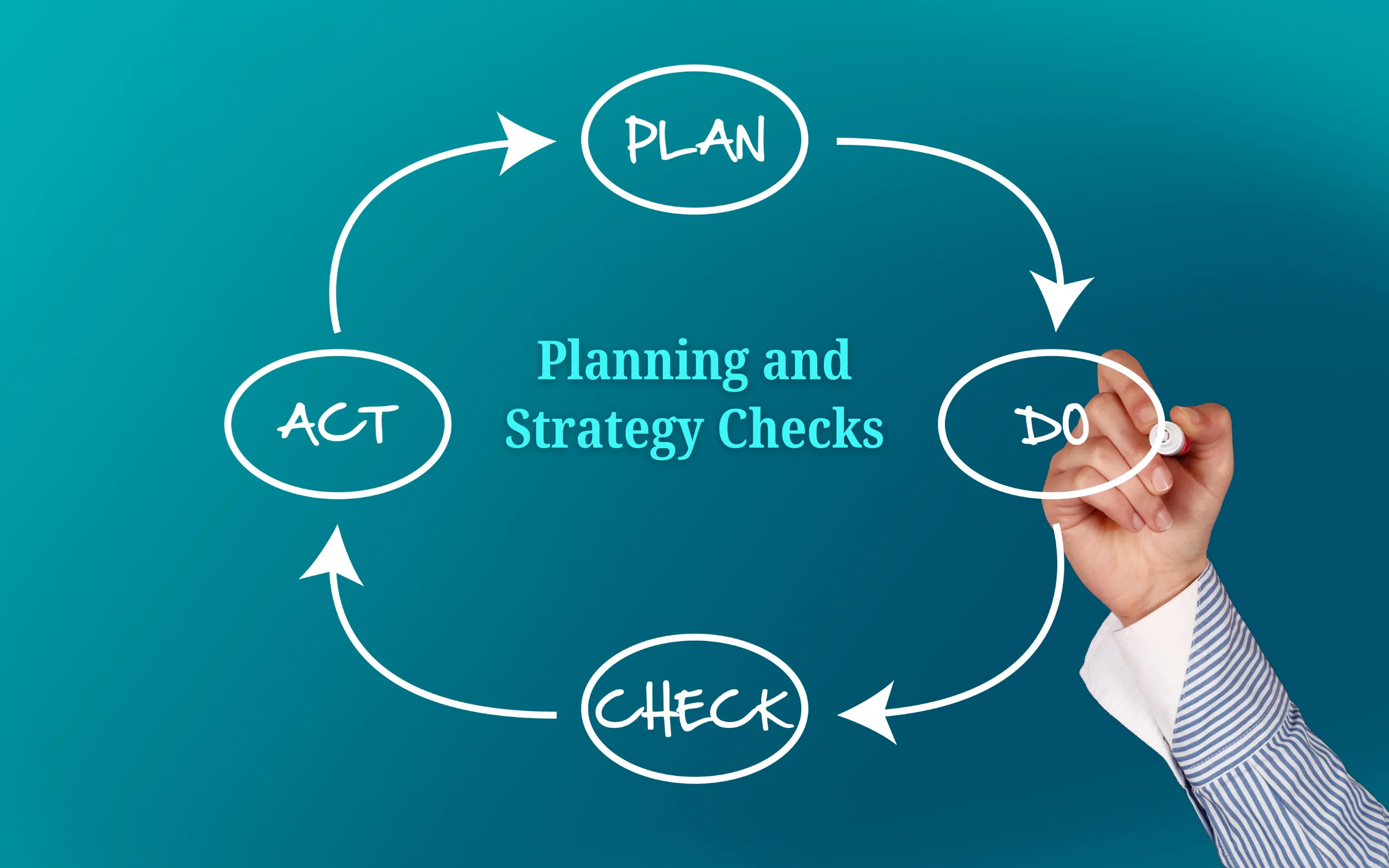
Planning and Strategy Checks
Before touching any design element, your team needs a clear plan. This stage sets the direction for the whole redesign project.
1. Set clear goals for the redesign
Ask why you are redesigning in the first place. Is it to boost sales, improve mobile experience, or simply update an old look? For example, a dental clinic redesigning its site may want more appointment bookings, not just a fresh color scheme. Clear goals help guide every decision later, from the layout to the wording on each button. Write these goals down and share them with everyone involved in the project.
2. Study your current website data
Look at your old site’s analytics before changing anything. Check which pages get the most visits, which ones bring in leads, and which pages barely get traffic. This data tells you what to keep and what to improve. A page that quietly brings in most of your leads should never be redesigned without careful thought.
3. Research your competitors
See what other businesses in your industry are doing well. If a competitor’s site loads faster or has a cleaner menu, take notes. This does not mean copying them, but learning what works in your market. Visit their site on both desktop and mobile to get a full picture.
4. Define your target audience
A redesign should match the people who visit your site. A CRM software company needs a different layout than a local plumber’s website. Know who you are designing for before picking colors or layouts. Ask yourself what your ideal customer needs to see within the first few seconds on your homepage.
5. Create a project timeline
Set realistic deadlines for design, content, testing, and launch. Redesigns without a timeline often drag on for months. Break the project into smaller phases so progress is easy to track. Assign clear owners to each phase so nothing falls through the cracks.
Design and User Experience Checks
Once the plan is ready, the design phase begins. This is where the checklist really helps catch issues before they become bigger problems.
6. Check mobile responsiveness
More than half of website visitors browse from their phones. Test every page on different screen sizes. Buttons, menus, and images should adjust smoothly without cutting off content. Try filling out a form on your phone yourself to see how easy or frustrating it feels.
7. Review navigation menu
Your menu should be simple and easy to follow. Visitors should find what they need within two or three clicks. A cluttered menu with too many options confuses people and increases bounce rates. A moving company site, for example, should make it easy to find quotes, services, and locations without digging through submenus.
8. Test website loading speed
A slow site frustrates visitors and hurts your Google ranking. Compress images, remove unused scripts, and use fast hosting. Aim for a load time under three seconds. Tools like Google PageSpeed Insights can show you exactly what is slowing your site down.
9. Check color contrast and readability
Text should be easy to read against the background. Light gray text on a white background looks stylish but is hard on the eyes. Stick to strong contrast for better readability, especially for older visitors or anyone reading on a small screen in bright sunlight.
10. Confirm consistent branding
Logos, fonts, and colors should match across every page. Inconsistent branding makes a business look unprofessional, even if the design itself looks nice. Create a simple style guide so every page, including future ones, follows the same rules.
Content and SEO Checks
Design gets attention, but content and SEO bring in the traffic. This part of the website redesign checklist protects your search rankings and keeps your message clear.
11. Set up 301 redirects
If old page URLs change, redirect them to the new pages. Without redirects, visitors and search engines hit dead ends. This step alone can save your site from losing years of built up SEO value. Make a full list of old URLs before launch and match each one to its new page.
12. Review meta titles and descriptions
Every page needs a unique title and description. These small details influence how your site appears in search results and how many people click through. A clear, honest description often earns more clicks than a clever but confusing one.
13. Check for duplicate content
Make sure no two pages have the same content copied over during the move. Duplicate content confuses search engines and can hurt rankings. This often happens by accident when old service pages get merged into new ones.
14. Update internal links
Links between pages should point to the correct, updated URLs. Broken internal links create a poor experience and waste the SEO value those links carry. Always double check that internal links point to your own domain, not an old staging link or a competitor site by mistake.
15. Preserve high-performing blog posts
If certain blog posts already rank well and bring in traffic, keep them in the new site structure. Do not delete valuable content just because it looks outdated. Update it instead with fresh information, new images, and better formatting.
Technical and Performance Checks
This section covers behind the scenes items that visitors may never notice, but they matter a lot for security, speed, and search visibility.
16. Test all forms and buttons
Contact forms, newsletter signups, and checkout buttons must all work correctly. Submit a test form yourself before launch to confirm it sends properly and lands in the right inbox. It also helps to check that automatic reply emails go out as expected.
17. Check SSL certificate and security
Your site should show the padlock icon in the browser, confirming a secure HTTPS connection. Visitors trust secure sites more, and Google prefers them too. A missing certificate can scare visitors away with a warning message before they even see your homepage.
18. Verify browser compatibility
Test your site on Chrome, Safari, Firefox, and Edge. A site that looks perfect on one browser might break on another, especially with spacing, fonts, or buttons that shift out of place.
19. Set up Google Analytics and Search Console
Make sure tracking codes are installed correctly on the new site. Without this, you lose valuable data about how visitors use your site after launch. Set up goal tracking too, so you know exactly which pages bring in leads.
20. Create and submit an updated sitemap
An updated sitemap tells search engines about your new page structure. Submit it through Google Search Console right after launch so pages get indexed quickly. This step helps new and updated pages show up in search results faster.
Testing and Launch Day Checks
The final stage of any website redesign checklist is testing everything one more time before going live. This step catches last minute issues that could easily be missed.
21. Test the site on a staging environment
Never test major changes directly on your live site. Use a staging version first so visitors do not see half finished pages or errors. Invite a few team members to click through the staging site and report anything that feels off.
22. Check for broken links
Run a broken link checker across the entire site. Even one broken link on a popular page can frustrate visitors and hurt user trust. Free tools online can scan hundreds of pages in a few minutes.
23. Review all images and alt text
Confirm images load properly and have descriptive alt text. This helps with accessibility and also gives a small SEO boost. Missing alt text is one of the easiest things to overlook during a busy redesign.
24. Back up your old website
Before switching anything live, save a complete backup of your old site. If something goes wrong after launch, you can restore it quickly instead of rebuilding from scratch under pressure.
25. Monitor the site after launch
Watch your analytics closely for the first few days after launch. Check for sudden drops in traffic, error pages, or broken forms. Fixing issues early prevents long term damage and gives your team time to react before customers notice.

Common Mistakes to Avoid During a Website Redesign
Even with a checklist, some mistakes happen more often than others. Knowing them ahead of time helps you avoid repeating them.
Rushing the launch: Skipping testing to meet a deadline often causes more problems later, and fixing them live is harder than catching them early.
Ignoring SEO during design: Designers sometimes remove important headings or text that helped rankings, simply because it looked cleaner without them.
Forgetting mobile users: A beautiful desktop design means little if it breaks on phones, where most visitors actually land first.
Not training your team: If staff manage the site, they need to know how the new backend works before launch day, not after.
Changing everything at once: Redesigning the look, the content, and the entire site structure all at the same time increases risk. Whenever possible, break large changes into smaller updates.
Skipping a content review: Old pages sometimes carry outdated prices, phone numbers, or service areas. A redesign is the perfect time to double check every detail is still correct.
Avoiding these mistakes saves time, money, and stress after launch day. A little patience during the process goes a long way toward a smooth result.
Choosing the Right Team for Your Redesign
Not every business has an in house web team, and that is completely normal. Choosing the right people to handle your redesign matters just as much as the checklist itself.
Look for experience in your industry
A team that has worked with businesses similar to yours already understands common challenges. A home service company and a software company need very different approaches, even if the design tools are the same.
Ask about SEO knowledge
Not every designer understands SEO. Ask directly how they plan to protect your rankings during the redesign, especially around redirects and content structure.
Request examples of past work
Ask to see other websites they have redesigned. Check if those sites load quickly and look good on mobile. This gives you a real sense of their quality before you commit.
Clarify communication and timelines
Make sure you know how often you will get updates and who to contact if something breaks after launch. Clear communication prevents small issues from turning into major delays.
Conclusion
A website redesign checklist is not just a formality. It is the difference between a smooth launch and a stressful one filled with broken links, lost rankings, and frustrated visitors. Going through all 25 points covered here, from planning and design to SEO and final testing, gives your new site the strongest possible start.
Every business deserves a website that looks great and performs well. Whether you run a small local shop or manage a growing company, following this checklist protects the work you have already put into your site. Take your time, test everything twice, and launch with confidence knowing every detail has been checked.
Ready to Redesign Your Website the Right Way?
Redesigning a website involves a lot of moving parts, and it is easy to miss something important. GrewDev team can help you plan, design, and launch a website that looks great and keeps your SEO rankings intact.
Get a free website audit today and find out exactly what your current site needs before you start your redesign. Claim your free audit here.
Frequently Asked Questions
How long does a website redesign usually take?
Most website redesigns take between six to twelve weeks, depending on the size of the site and how much content needs updating. Larger sites with many pages, products, or locations can take even longer, especially if new content needs to be written from scratch.
Will a website redesign hurt my SEO rankings?
A redesign can hurt rankings if redirects, meta titles, and content are not handled properly. Following a website redesign checklist helps protect your existing SEO value during the switch, so your traffic keeps growing instead of dropping after launch.
Should I redesign my whole website at once or in stages?
Smaller businesses often benefit from redesigning the whole site at once, while larger sites sometimes redesign in stages to reduce risk. Either way, testing before launch is essential, and a clear website redesign checklist keeps the process organized no matter which approach you choose.
What is the most common mistake during a website redesign?
Forgetting to set up 301 redirects is one of the most common and costly mistakes. It can cause a sudden drop in traffic and search rankings that takes months to recover from.
Do I need a staging site before launching a redesign?
Yes. A staging site lets you test every page and feature privately before the public sees any changes. This step prevents visitors from seeing errors or unfinished pages, and it gives your team room to fix problems calmly instead of under pressure.
How much does a website redesign usually cost?
Costs vary widely based on the size of the site, the number of custom features, and whether new content is needed. A small business site typically costs less than a large ecommerce platform with many product pages and integrations.