You don’t need a massive marketing budget to get results from Google Ads. With the right strategy, even $5 to $10 a day, small businesses can drive real traffic, real leads, and real sales.
Let’s be honest. When most small business owners hear “Google Ads,” they picture big companies burning thousands of dollars every day. And they think that’s not for me. But here’s the truth. Google Ads can work incredibly well for small businesses, even on a tight budget. You just need to be smart about how you spend. Not more. Smarter.
In this guide, we’re breaking down exactly how to run Google Ads without wasting money, step by step, in plain language, so you can start getting results right away.
What Is Google Ads And Why Should You Care?
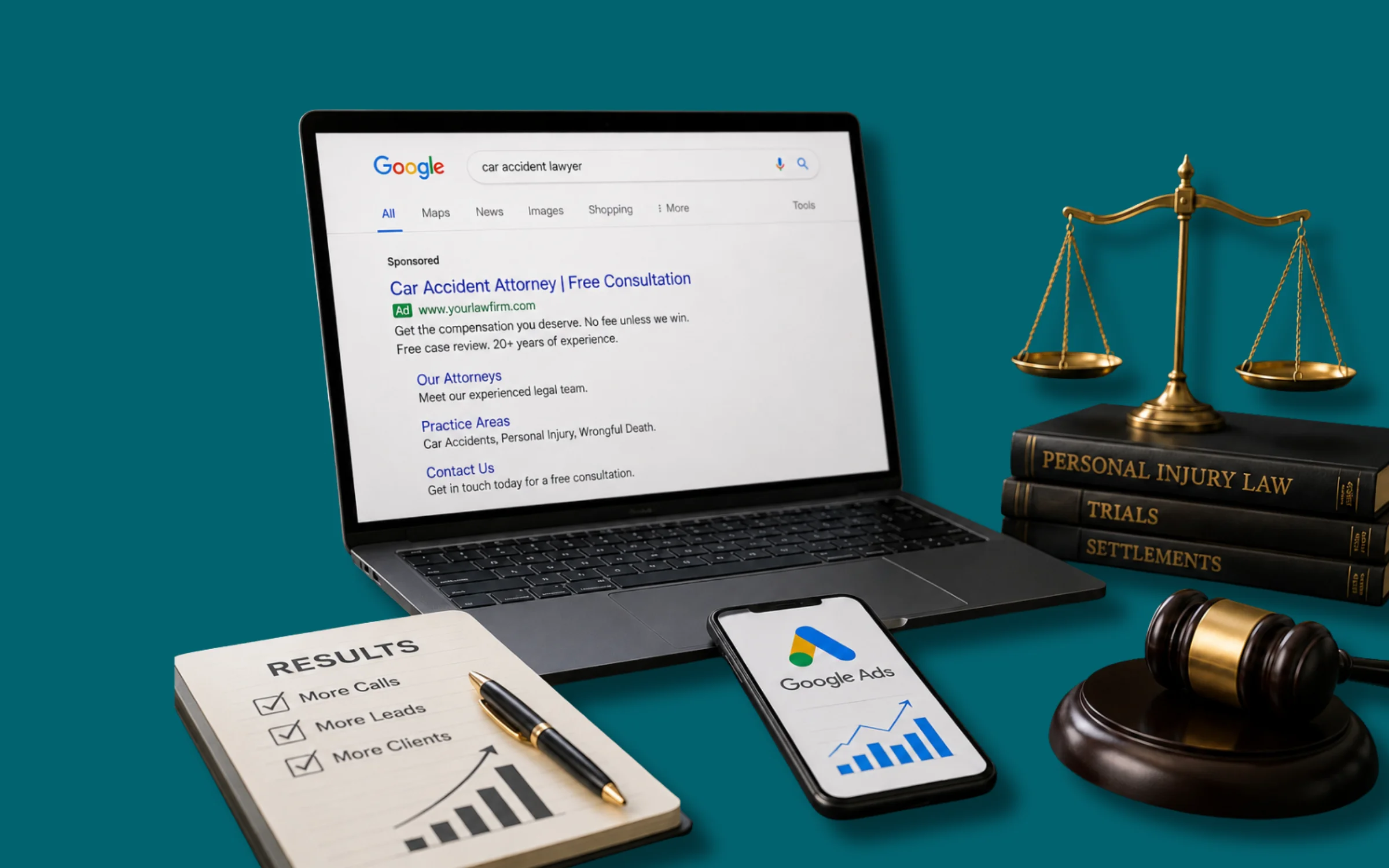
Google Ads is an online advertising platform where you pay to show your business at the top of Google search results. When someone types in a search related to your product or service, your ad appears. And you only pay when someone actually clicks on it. That’s called Pay-Per-Click, or PPC.
For a small business, this is a powerful tool because you’re reaching people who are already searching for what you sell. You’re not interrupting anyone. You’re showing up exactly when they need you.
Step 1: Set A Realistic Daily Budget
The first thing people get wrong is setting no budget limit, or setting one that’s too high out of excitement. Start small and test first. For most small businesses, a starting budget of $5 to $20 per day is completely reasonable. That’s $150 to $600 a month, and if managed correctly, it can deliver a solid return.
Pro Tip:
Google lets you set a daily budget cap. Once it’s hit, your ads stop showing for the day. No surprise bills. You’re always in control. The key is to start small, measure results, and scale up what works. Don’t blow your entire monthly budget in the first week.
Step 2: Choose The Right Campaign Type
Google offers several types of campaigns including Search, Display, Shopping, and more. For small businesses on a tight budget, Search Campaigns are usually the best place to start.
Why? Because search ads target people who are actively searching for your product or service right now. They have strong buying intent, which means your budget is being spent on the most relevant audience possible.
Display ads, meaning banner ads on websites, can work too, but they tend to get lower click-through rates and are better for brand awareness, not immediate conversions. Save those for when you have more budget to experiment.

Step 3: Do Keyword Research The Smart Way
Keywords are the heart of Google Ads. These are the words and phrases that trigger your ad to show. And choosing the right ones, or the wrong ones, can make or break your campaign.
Here’s the thing. You don’t need to bid on every keyword in your niche. Instead, focus on specific, high-intent keywords that are directly related to what you sell.
For example, if you run a bakery in California, don’t just bid on “bakery.” Bid on something like “custom birthday cake California” or “fresh bread delivery near me.” These are called long-tail keywords. They’re more specific, less competitive, and cheaper to bid on.
Free Tool Alert:
Use Google’s free Keyword Planner tool to find relevant keywords, see estimated search volumes, and understand what the competition looks like before you spend a single taka or dollar.
Step 4: Use Negative Keywords To Stop Wasting Money
This is one of the most underused strategies, and it could literally save you hundreds of dollars.
Negative keywords are words you tell Google not to show your ad for. For example, if you sell premium handmade furniture, you probably don’t want your ad showing up when someone searches for “cheap furniture” or “free furniture.” That traffic won’t convert, and you’ll pay for every click.
By adding negative keywords, you filter out irrelevant searches and make sure your budget is only spent on people who are actually interested in what you offer.
Spend 30 minutes on this before you launch. It’s one of the highest-ROI activities in Google Ads.
Step 5: Write Ad Copy That Actually Converts
Your ad is the first impression a potential customer gets of your business. Make it count. Here’s a simple formula that works. Address the problem, offer the solution, and give them a reason to click now.
For example:
“Tired of Unreliable Plumbers? Fast, Affordable Plumbing in California. Same-Day Service Guaranteed. Book Now!”
Notice what that does. It speaks directly to frustration, offers a clear benefit, and has a strong call to action. That’s what makes people click.
Important:
Always include your main keyword in the headline. It makes your ad more relevant, improves your Quality Score, and can lower your cost-per-click.

Step 6: Optimize Your Landing Page
Here’s where many small businesses lose money. They run great ads but send traffic to a terrible landing page.
Your landing page needs to match your ad. If your ad says “50% Off Web Design This Month,” your landing page better be talking about that exact offer. If there’s a mismatch, people leave immediately. That’s called a high bounce rate, and it wastes your ad spend.
A good landing page should have a clear headline, a brief description of what you offer, a few trust signals like reviews, logos, and guarantees, and a single clear call to action such as “Get A Free Quote” or “Order Now.”
Step 7: Track Everything With Google Analytics and Conversion Tracking
You can’t improve what you don’t measure. This is especially true with paid ads. Set up Google Ads Conversion Tracking so you know exactly which keywords and ads are bringing in real results, such as phone calls, form submissions, and purchases, not just clicks.
This data is gold. It tells you where to spend more and where to cut. Without it, you’re flying blind, and on a tight budget, that’s dangerous. Connecting Google Analytics to your Google Ads account is free and takes about 15 minutes. Do it before you launch your first campaign.
Step 8: Monitor, Test, And Improve
Running Google Ads isn’t a “set it and forget it” job. The businesses that win are the ones that keep testing and refining. Every week, check your campaigns. Look at which keywords are performing and pause the ones that are eating the budget without results. Test two different versions of your ad copy, what’s called A/B testing, to see which one gets more clicks or conversions.
Small improvements made consistently compound over time. A 10% better click-through rate here, a 15% lower cost-per-click there, those add up fast when you’re working with a limited budget.
Quick Recap: Your Tight-Budget Google Ads Checklist
Before you launch, make sure you’ve done these things. Set a daily budget cap and stick to it. Choose Search campaigns for maximum intent. Target specific long-tail keywords. Add negative keywords to filter out bad traffic. Write clear, benefit-driven ad copy. Create a focused, matching landing page. Set up conversion tracking. And commit to weekly review and testing.
Final Thoughts: Small Budget, Big Results
Here’s what it comes down to. Google Ads rewards strategy, not just spending. A small business owner who understands their customer, chooses the right keywords, and tests consistently can absolutely outperform a bigger competitor who just throws money at campaigns. You don’t need a big budget. You need a smart one.
🎯 If you’re serious about growing your business, it’s time to take action. Let’s talk.